
Webhooks
A webhook posts one signed JSON request to your service for each event you choose, in order. Use it to start a pipeline when a comparison finishes, post to chat when a comment changes, or record each release build.
Before you start
Section titled “Before you start”- You need the administrator role.
TRACKER_CREDENTIAL_ROOT_KEYmust be set on the server: webhook signing secrets are encrypted with it. See Configuration.- The receiver must be an
httpsURL on a public address. Prism refuseshttp, private, loopback and link-local addresses, both when you save and before every delivery. To test against a receiver on your own machine, an administrator can setPRISM_WEBHOOK_ALLOW_PRIVATE=true.
Add a webhook
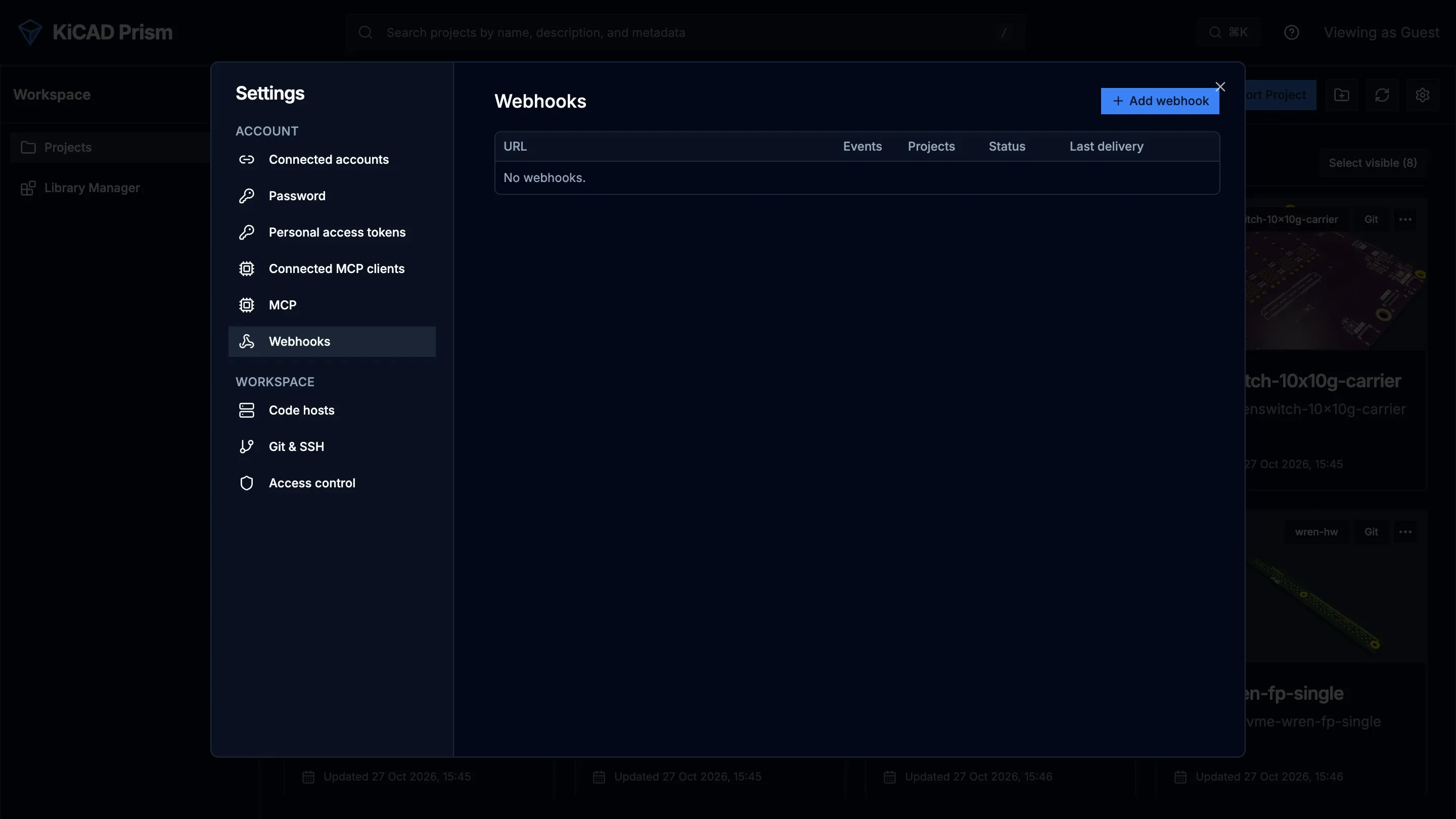
Section titled “Add a webhook”- Open Settings → Webhooks.
- Click Add webhook.
- Enter the receiver’s URL.
- Under Event kinds, tick the events to send.
- Under Projects, choose All projects or Listed projects and pick the projects.
- Click Create.
- Copy the signing secret with Copy secret. It starts with
whsec_and is shown only this once. - Click Test on the webhook’s row. Prism sends a
pingevent and shows the result.
Events
Section titled “Events”| Event | Sent when |
|---|---|
revision.synced |
a project fetched new commits from its remote |
bundle.built, bundle.failed |
a revision’s design data finished building, or failed |
job.progress, job.finished |
a job moved forward or ended |
comparison.done |
a design comparison finished |
comment.changed |
a comment or reply was added, edited or resolved |
release.candidate_built, release.approved |
a Release Studio candidate built, or a person approved it |
What Prism sends
Section titled “What Prism sends”Each delivery is a POST with a compact JSON body:
{"id": 4182, "type": "comparison.done", "createdAt": "2026-10-26T12:00:00Z", "projectId": "my-board", "data": {"jobId": "...", "base": "...", "compare": "..."}}idis the event’s id in the event log, and increases with every event.datadepends on the event. For example,comment.changedcarriescommentIdandchangeKind.- The
pingfrom Test has"type": "ping","projectId": nulland emptydata.
Answer with any 2xx status to accept the delivery. Prism waits up to 10 seconds for an answer.
Verify the signature
Section titled “Verify the signature”Deliveries follow Standard Webhooks. Each carries three headers:
| Header | Value |
|---|---|
webhook-id |
the event id |
webhook-timestamp |
the send time, in Unix seconds |
webhook-signature |
v1, and the base64 HMAC-SHA256 of <webhook-id>.<webhook-timestamp>.<body> |
The HMAC key is the secret after its whsec_ prefix, base64-decoded. Check the signature against the raw body bytes, before you parse the JSON, and reject a timestamp that is more than a few minutes old.
The repository’s examples/webhooks/verify_prism_webhook.py does this with the standard library only. Its verify(secret, headers, body) returns the parsed event, or raises ValueError when the delivery isn’t authentic or is too old.
Example: a receiver
Section titled “Example: a receiver”Run the example as a receiver on your machine:
-
Copy
examples/webhooks/verify_prism_webhook.pyfrom the Prism repository. -
Set the webhook’s secret:
Terminal window export PRISM_WEBHOOK_SECRET=whsec_... -
Start it:
Terminal window python verify_prism_webhook.py
It listens on 127.0.0.1:8080 (set PRISM_WEBHOOK_PORT to change the port), prints each accepted event and answers 400 to a delivery that fails verification. Expose it through a public HTTPS tunnel or reverse proxy, or use PRISM_WEBHOOK_ALLOW_PRIVATE on a test server.
To act on events, import verify into your own receiver. This one uses the Python SDK to fetch a finished comparison’s schematic review and print its groups:
import jsonimport osfrom http.server import BaseHTTPRequestHandler, HTTPServer
from prism import Clientfrom verify_prism_webhook import verify
SECRET = os.environ["PRISM_WEBHOOK_SECRET"]prism = Client()  # PRISM_URL and PRISM_TOKEN

class Receiver(BaseHTTPRequestHandler):    def do_POST(self):        body = self.rfile.read(int(self.headers.get("content-length") or 0))        try:            event = verify(SECRET, self.headers, body)        except ValueError:            self.send_response(400)            self.end_headers()            return        self.send_response(204)        self.end_headers()
        if event["type"] == "comparison.done":            job_id = event["data"]["jobId"]            review = prism.get_comparison_review(event["projectId"], job_id, domain="sch")            for group in review["groups"]:                print(json.dumps({"impact": group["impact"], "title": group["title"]}))

HTTPServer(("127.0.0.1", 8080), Receiver).serve_forever()
The receiver answers before it does any slow work, so Prism isn’t kept waiting.
Retries and failures
Section titled “Retries and failures”Prism delivers each webhook’s events in order, one at a time. When a delivery fails:
- Prism stops that webhook and retries the same event after 30 seconds, then after twice as long each time, up to once an hour.
- Later events wait, in order, until it succeeds. Events wait only as long as the event log keeps them, which the administrator sets in Configuration.
- After 24 hours of failures the webhook’s status becomes
failingand Prism stops trying. Fix the receiver, then click Enable on the row to resume from where it stopped.
Because a retry resends an event your receiver may already have handled, use the webhook-id header to ignore repeats.
Manage webhooks
Section titled “Manage webhooks”Each row under Settings → Webhooks shows the URL, events, projects, status (active, failing or disabled) and last delivery. Its buttons:
| Button | Does |
|---|---|
| Deliveries | lists the latest delivery attempts with their time, event, status and duration |
| Test | sends a ping |
| Rotate secret | makes a new signing secret and shows it once; the old one stops working |
| Disable / Enable | pauses or resumes deliveries |
| Edit | changes the URL, events or projects |
| Delete | removes the webhook |
Delivery records are kept for 30 days. To check webhook lag from a script, use get_event_and_webhook_health in Ops diagnostics.